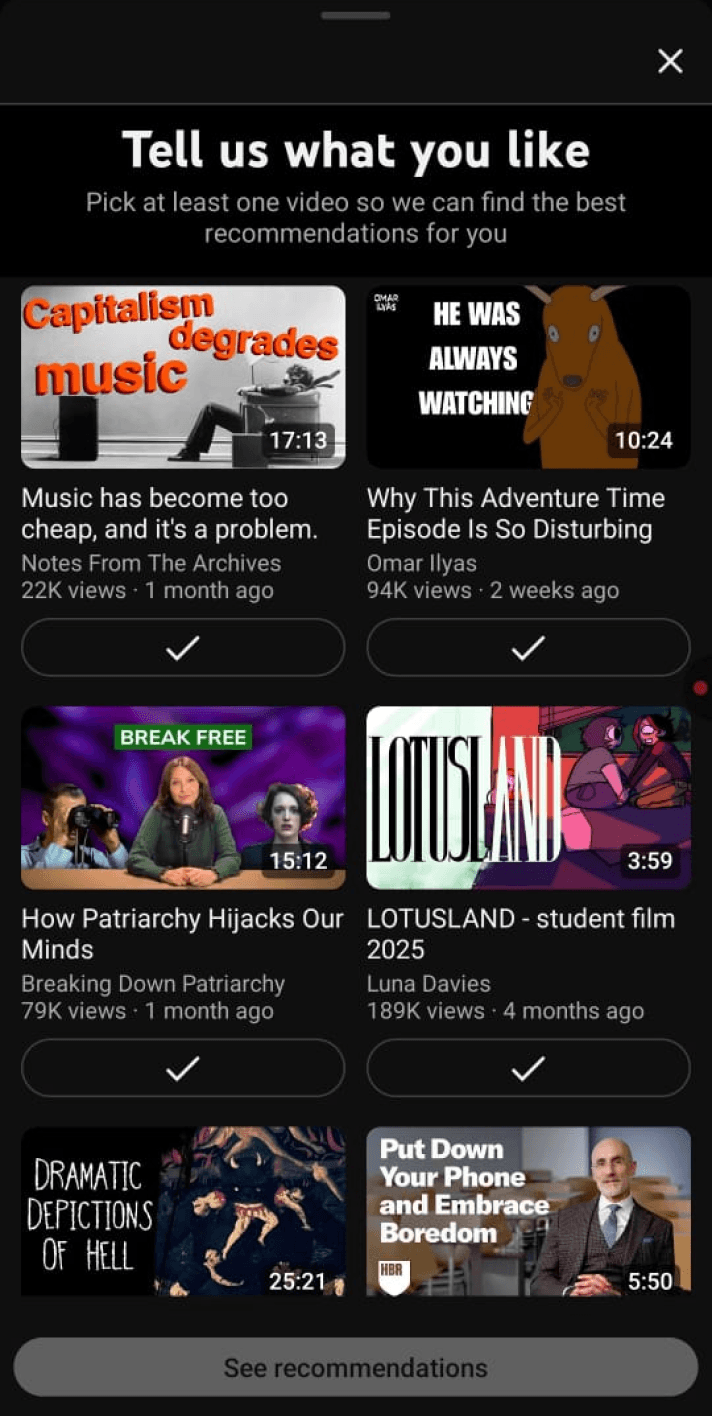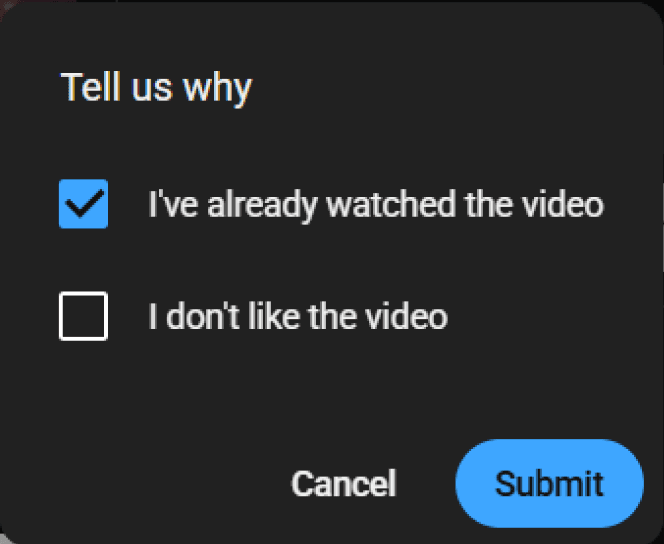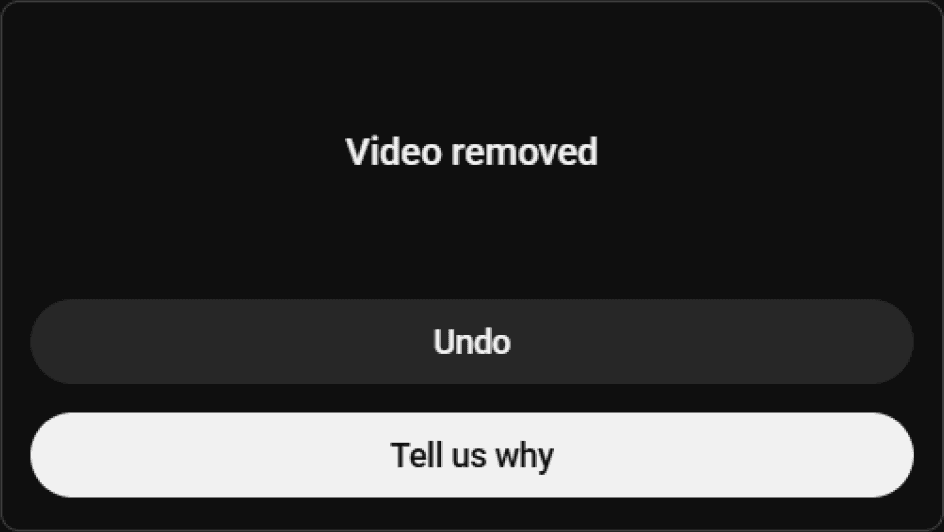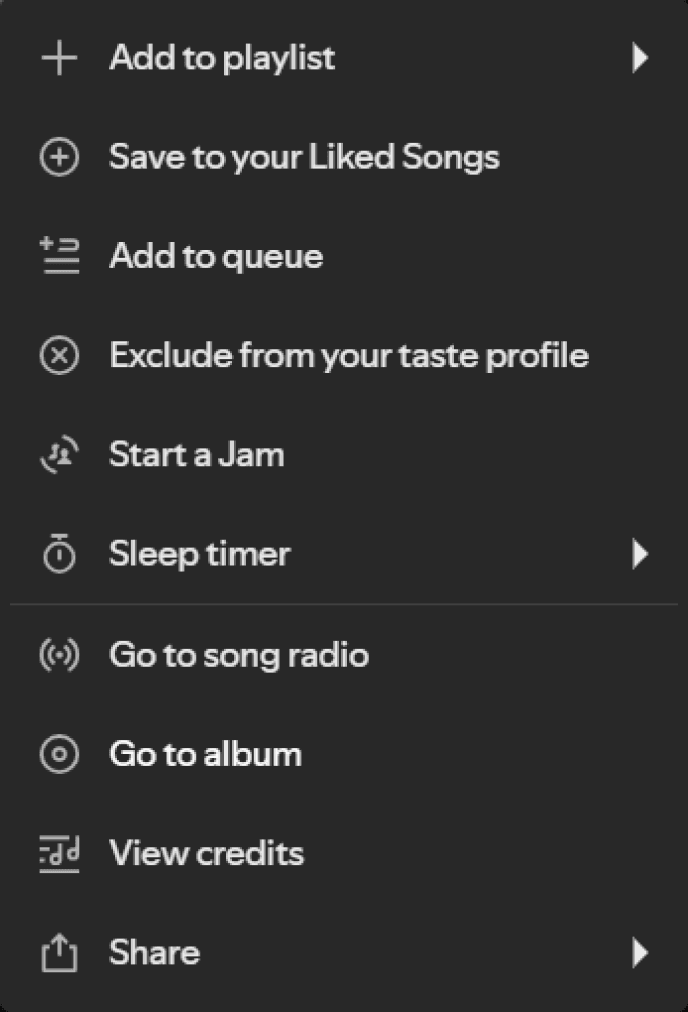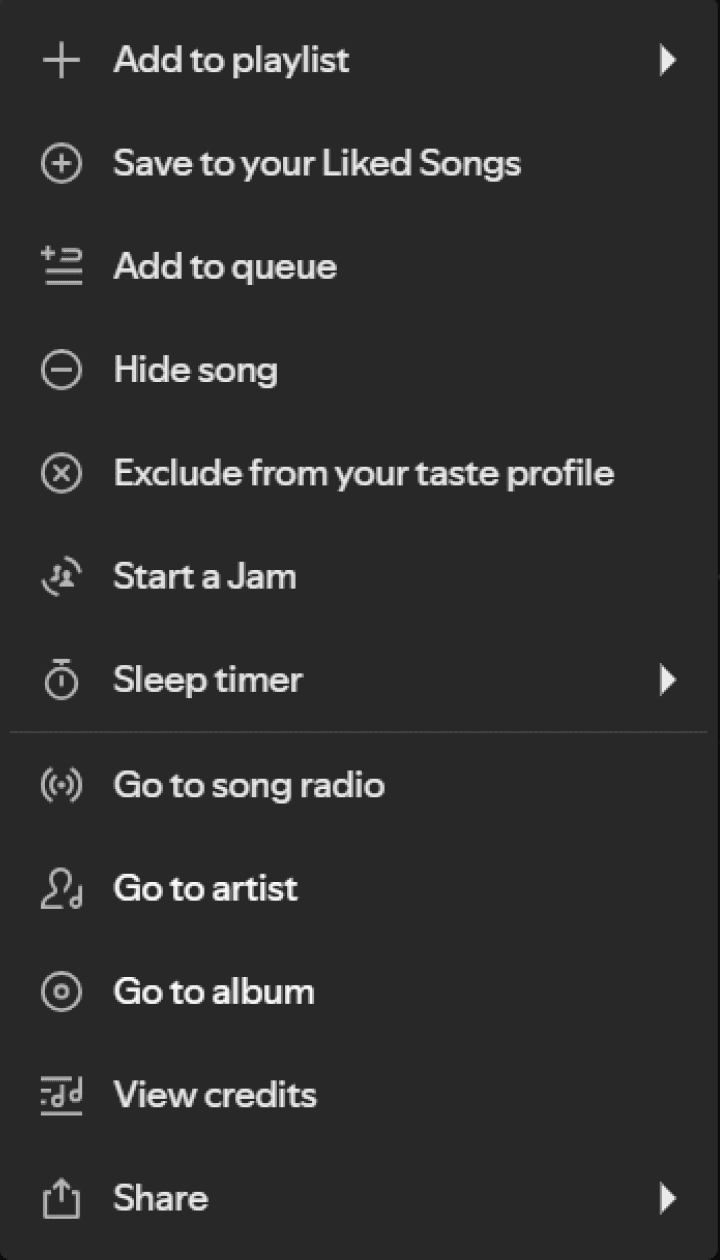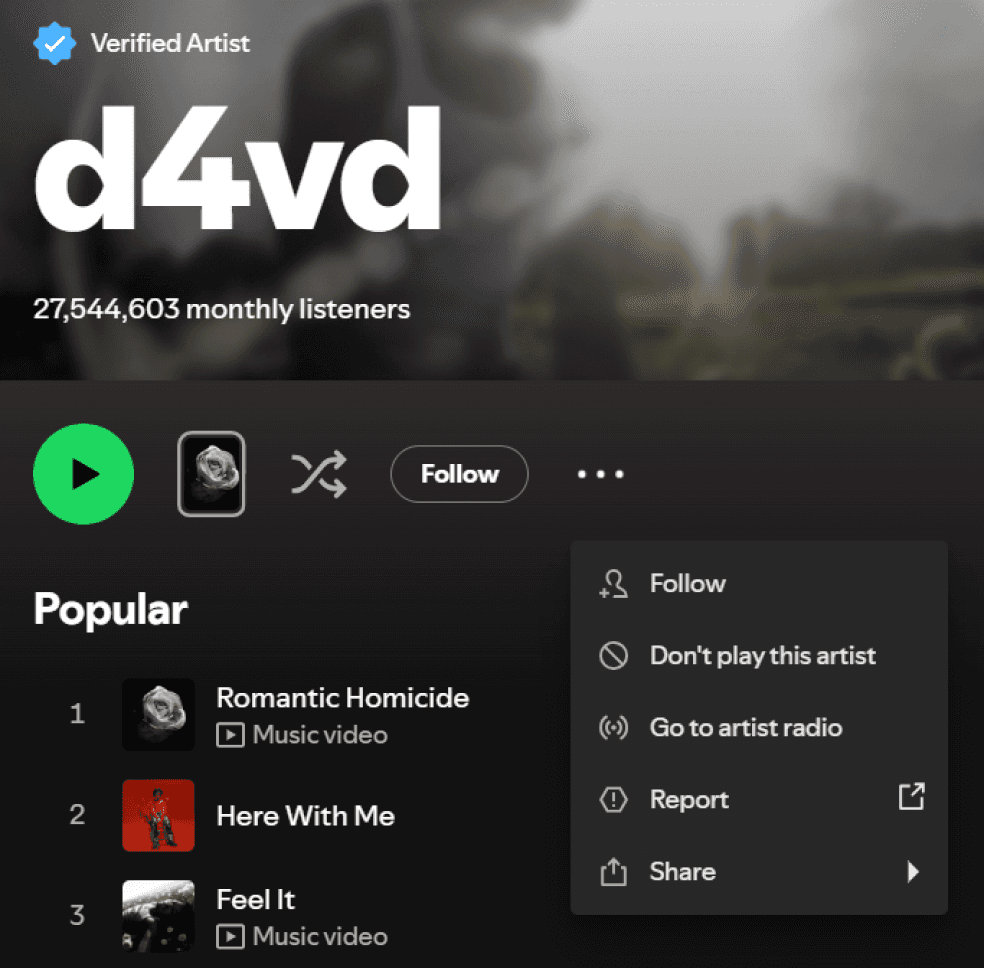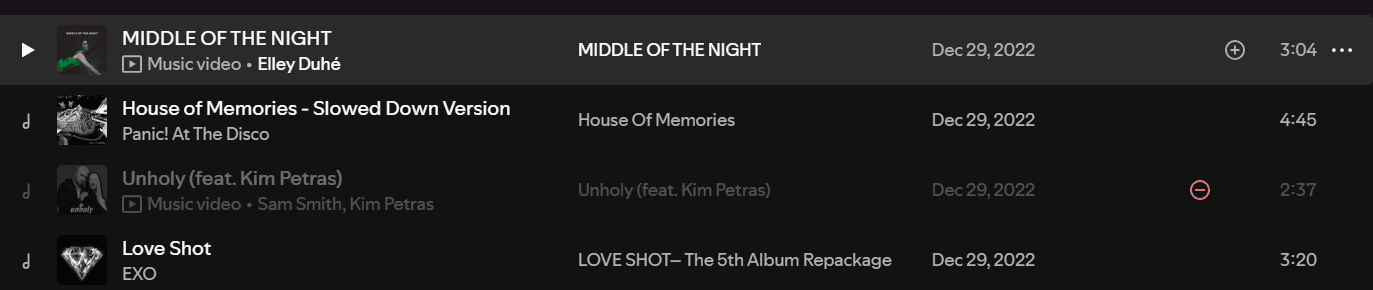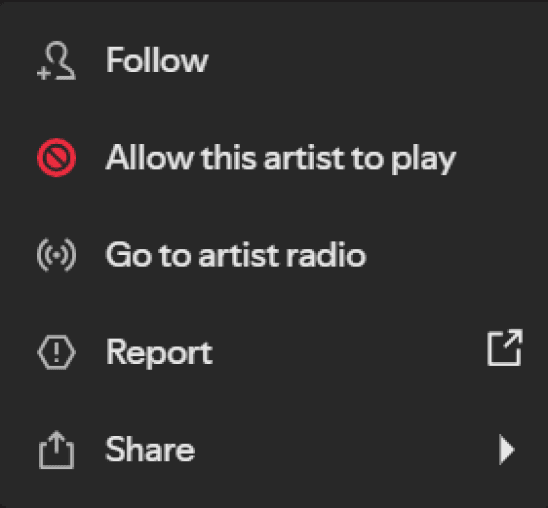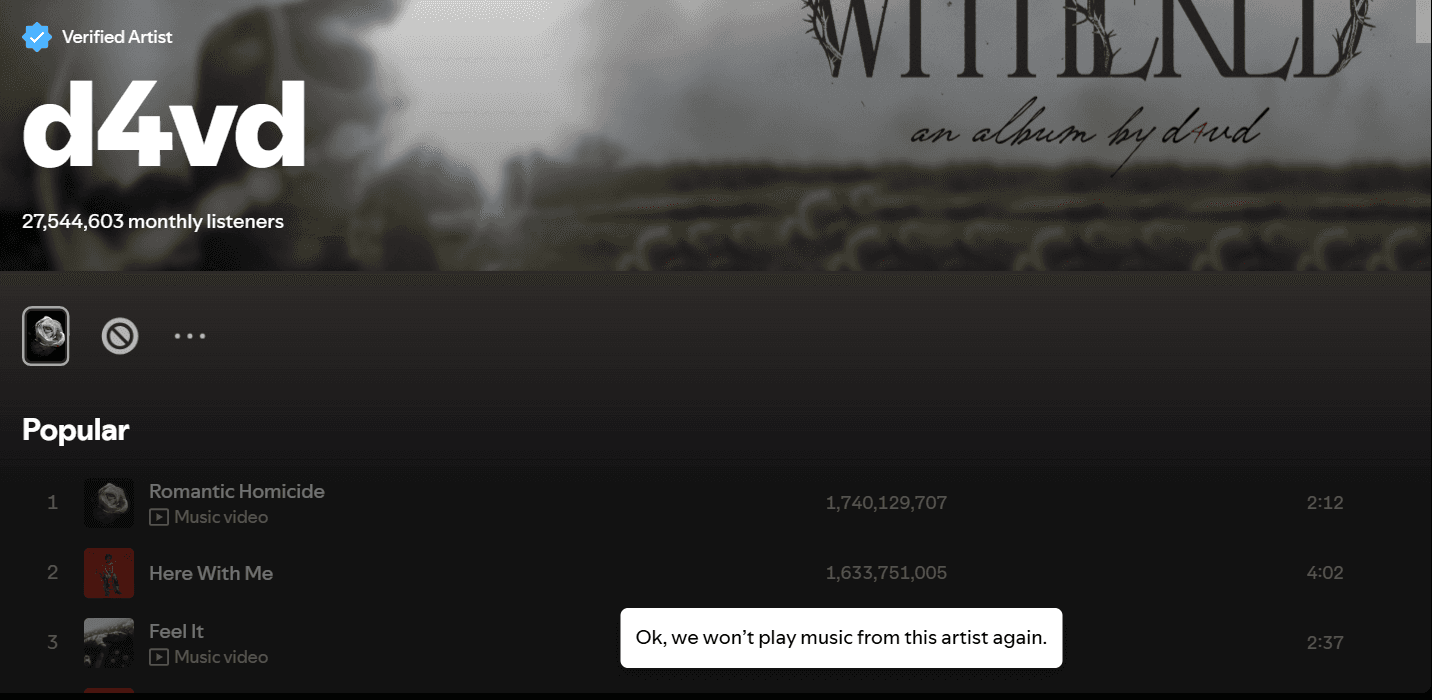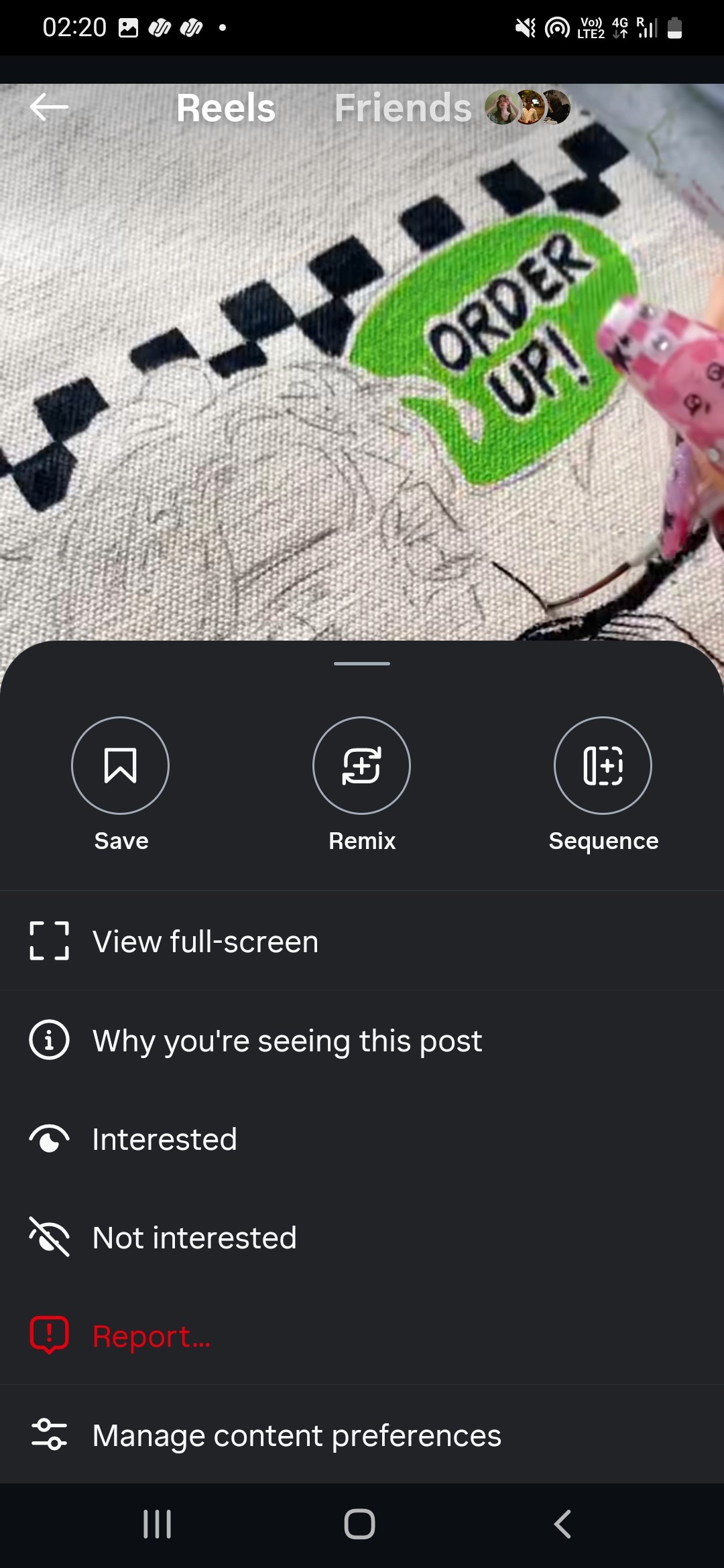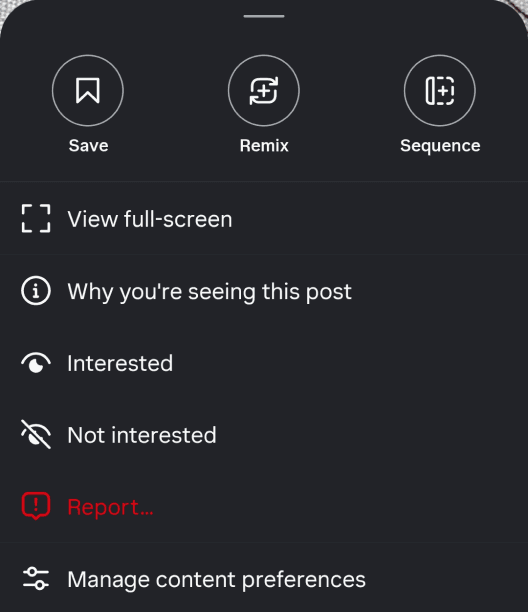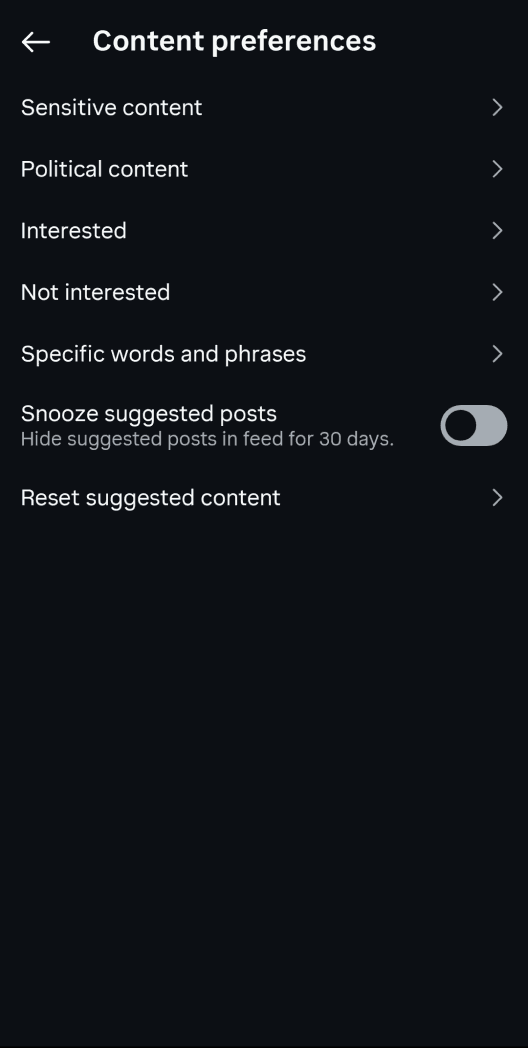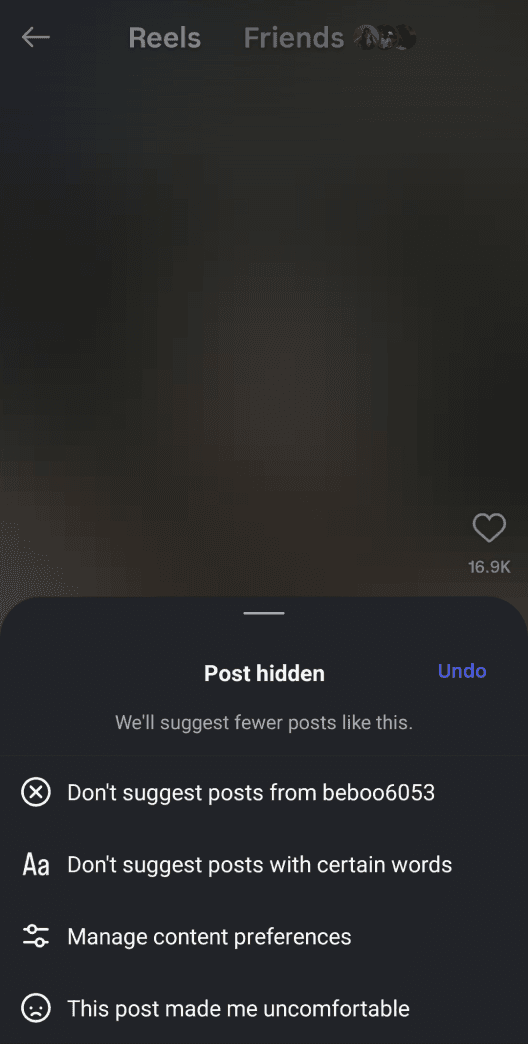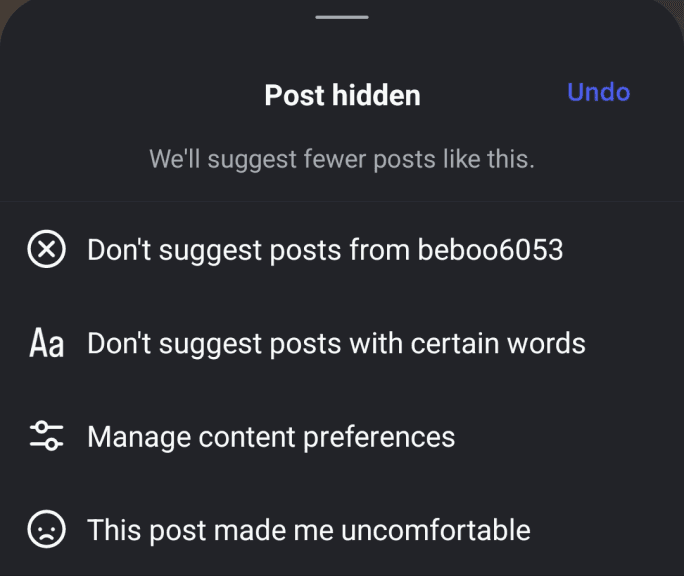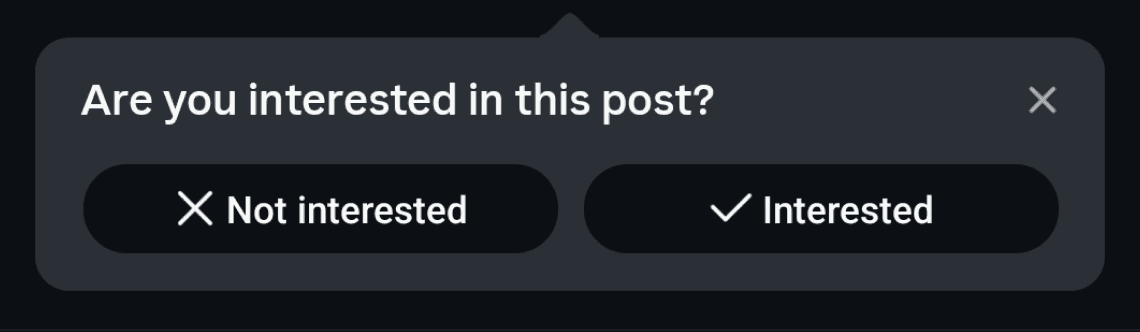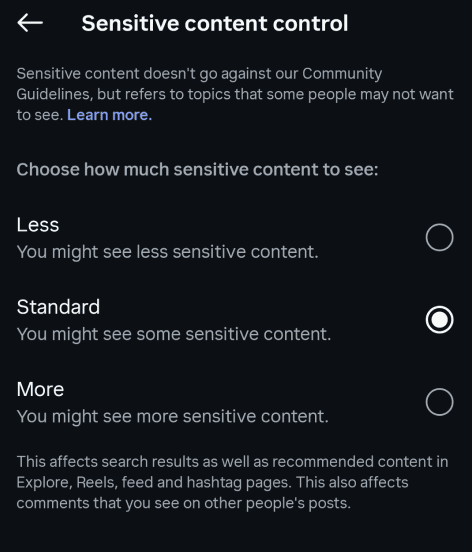
This study focuses on how UI design affects users’ trust in AI-curated playlists and content.
How do different platforms visualize or hide algorithmic logic?
Recommendation systems are shaping what people watch, listen to, and engage with every day, subtly influencing taste, opinions, and even moods. Yet, users often don’t understand why they’re seeing certain content or how to control it.
Complex recommendation logic tied to watch time, engagement, and satisfaction. Great for studying “explainability” and control granularity.
Video/Visual media
Youtube
Audio Streaming

Spotify
Visual Social Media

How clearly does the interface communicates why something is recommended?
Are personalization settings easy to find and understand?
How easy is it for users to adjust, reset, or refuse recommendations?
Do users feel their actions (like/dislike) are reflected in future recommendations?
Transparency
Control
Trust & feedback loops
Consistency & visibility
Dimensions for Evaluating Algorithmic Trust
Types of
Recommendations
Type
Home screen
Video sidebar/next play
Shorts tab, home
Home, watch page
Personalized mix of interests
While watching a video
Scroll behaviour
Tap on recommend topic
Watch history, Subscriptions, Trends
Current video, topic similarity, engagement
Shorts engagement, past likes
Watched content themes
Placement
Data used
Trigger
YouTube
Home feed
Up next / Autoplay
Shorts Recommendations
Topic-based suggestions
Type
Placement
Data used
Trigger
Mix of playlists, artists, and albums
Personalized algorithmic playlists
Query and genre trends
Current track
Social graph
Personalized mix of interests
While watching a video
Scroll behaviour
Tap on recommend topic
Tap on recommend topic
Listening patterns
Listening patterns
Dynamic, scrollable carousels
Auto-play of related tracks after ending
Displays what friends are playing
Home feed
Made For You (Daily Mixes, Discover Weekly)
Search Tab Suggestions
Now Playing Queue
Friend Activity Feed (Desktop)
Spotify
Type
Home feed between followed posts
Reels tab
Explore tab
Shopping tab / in-feed ads
Feed scroll area
Reels tab / Explore page
Explore page
Shopping tab / ads section
Engagement patterns, comments, view duration
Watch time, audio reused, content similarity
Topic & content attributes, accounts you don’t follow
Behavioural data, search history, purchase intent
Placement
Data used
Trigger
Suggested Posts (in-feed)
Suggested Reels
Explore page / “For You” content
Shopping / Ads recommendations
1. Visibility of System Status
2. Match Between System & Real World
3. User Control & Freedom
4. Consistency & Standards
5. Error Prevention
6. Recognition Rather Than Recall
7. Flexibility & Efficiency of Use
8. Aesthetic & Minimalist Design
9. Help Users Recognize, Diagnose & Recover
10. Help & Documentation
Poor
Heuristic
Medium
Good
Pattern in recommendations
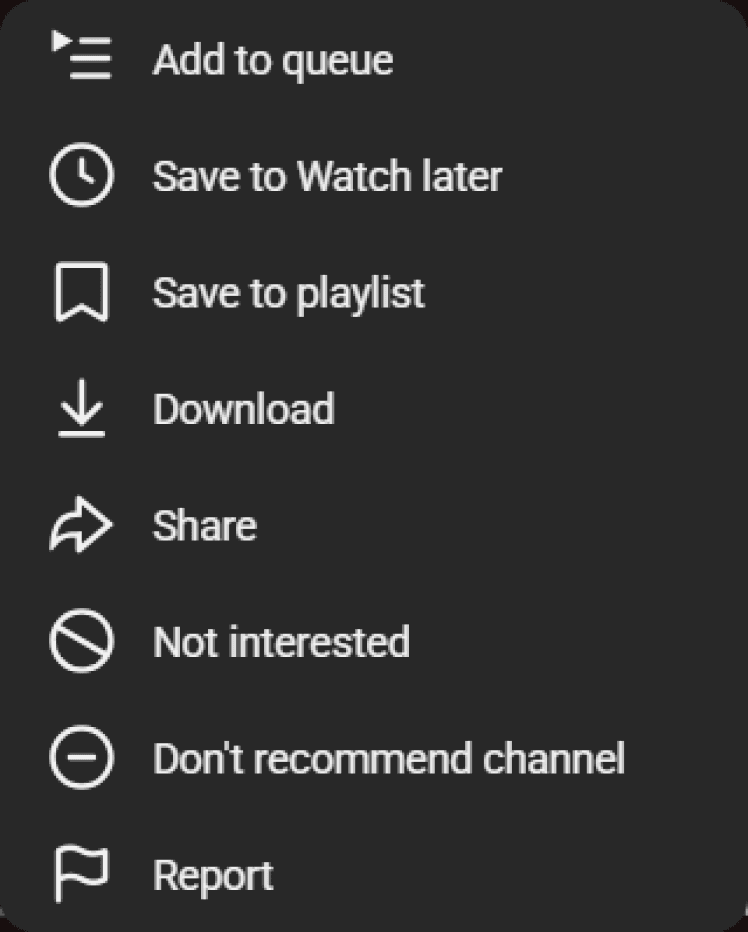
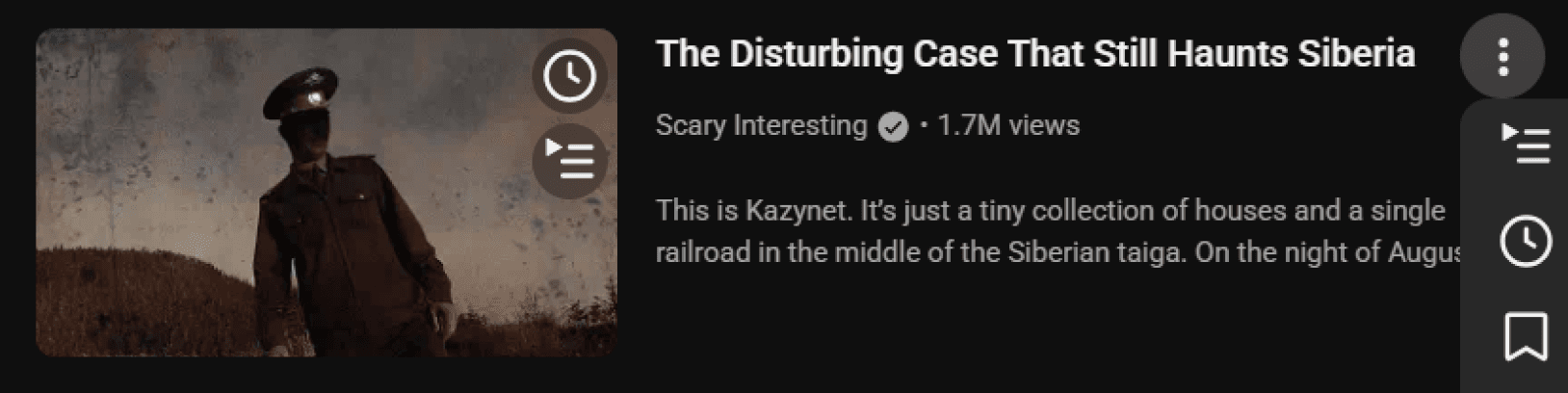
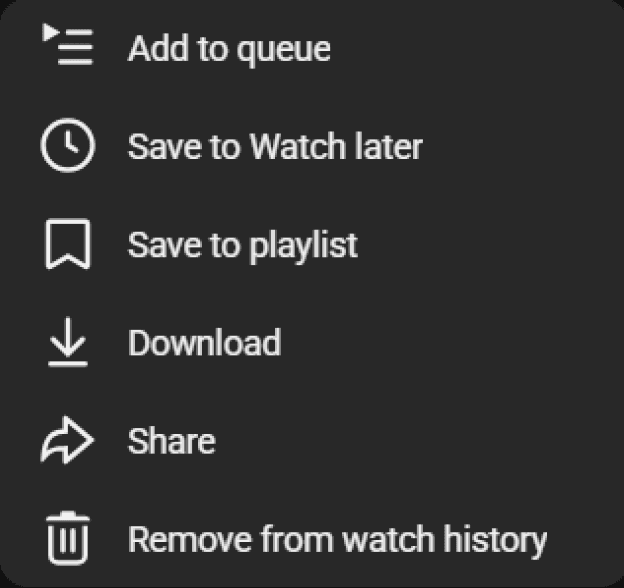
Why was this video recommended?
Pattern Type
Indirect / Deeply Nested Information Disclosure
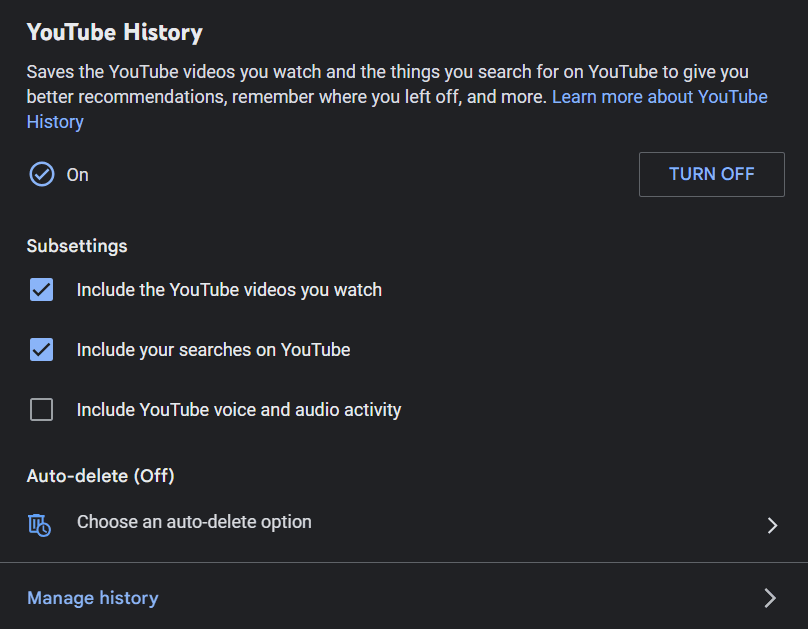
No direct information for a particular video. Longer flows of clicks, long scrolls to reach desired info, finding it needs effort.
View
YouTube
Spotify
Pattern Type
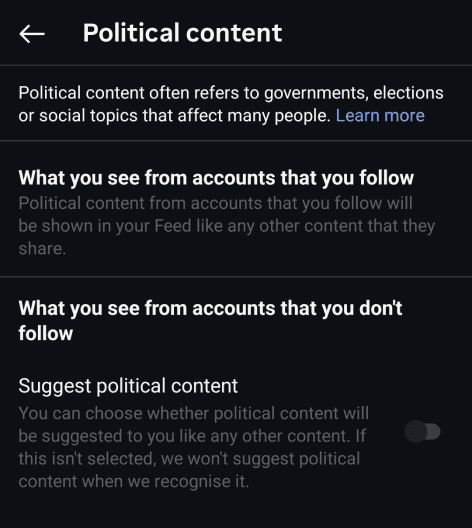
Transparency exists but is hidden under secondary menus or vague headers. It follow a consistent naming pattern for personalized content.
View
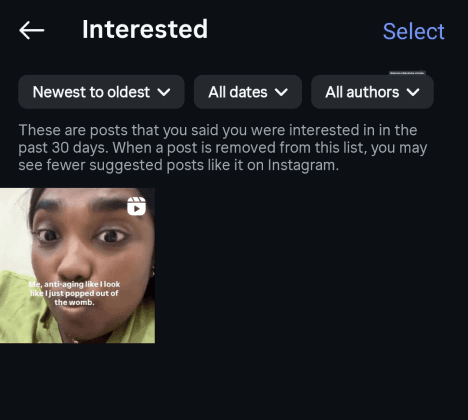
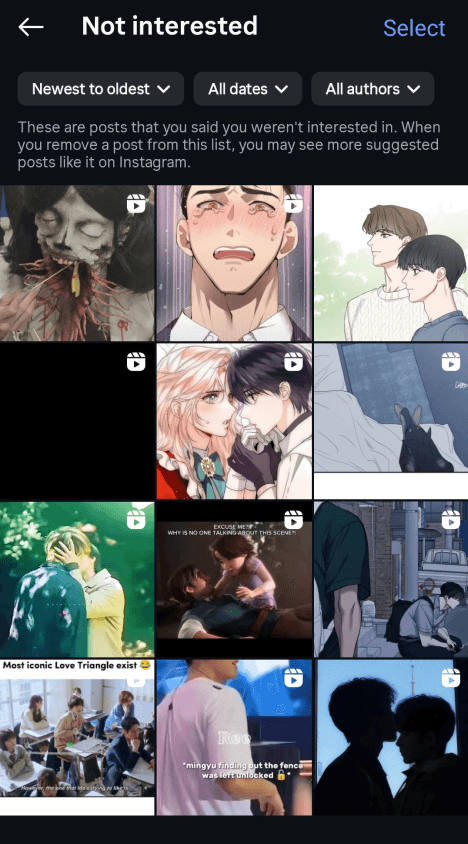
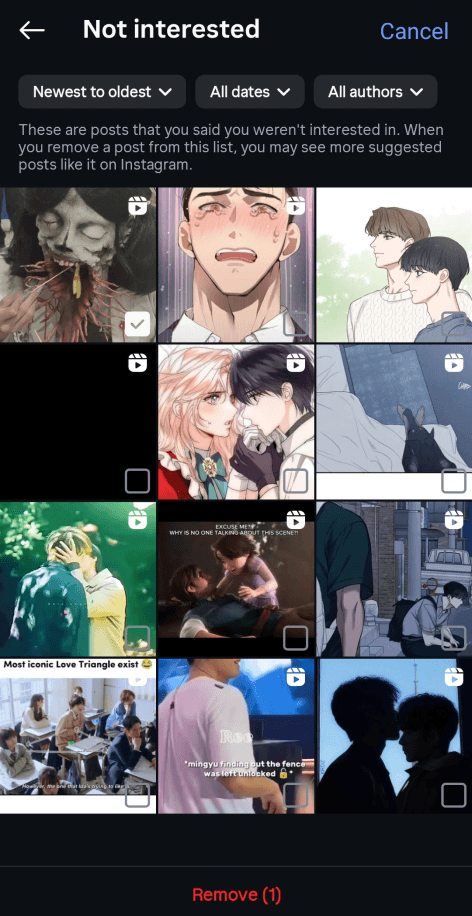
Implicit feedback system. Interaction is passive, indirectly training the algorithm.
Pattern Type
Just-in-time transparency approach, easily visible
Present in the post itself for each and every post. one click required to reach the option.
View